TL;DR
Events are fundamental to JavaScript in the browser. To understand why multiple handlers may run from a single click, you need to understand event bubbling and capture.
Events are one of the core ideas behind JavaScript in the browser. They let us register handlers that run when something we care about happens.
There is, however, a behavior that can feel surprising the first time you encounter it: event bubbling and event capture. These two mechanisms explain why multiple handlers can react to what feels like a single user action.
Consider the following example.
HTML:
<div id="outer-box">
  <button>Click me!</button>
</div>
CSS:
#outer-box {
  background: #aec6cf;
  padding: 2rem;
}

button {
  background: white;
  border: none;
  border-radius: 1rem;
  font-size: 1rem;
  padding: 0.5rem 0.7rem;
}

button:hover {
  background: black;
  color: white;
}
JavaScript:
const button = document.querySelector('button');
const outerBox = document.getElementById('outer-box');

outerBox.addEventListener('click', event => {
  alert('OuterBox clicked!');
});

button.addEventListener('click', event => {
  alert('Button clicked!');
});
At first glance, you might expect clicking the button to show only Button clicked!, while clicking the empty area in the div should show only OuterBox clicked!.
But when you click the button, both alerts appear. Why?
How event flow works
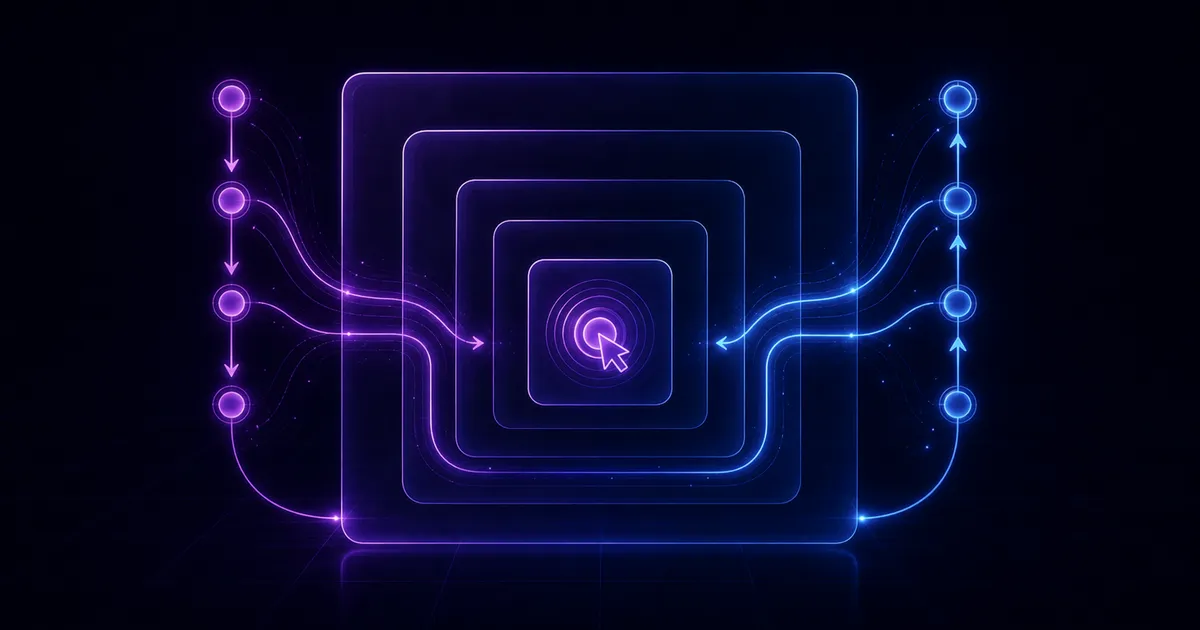
When an event occurs, the browser processes it in phases. The two phases relevant here are the capturing phase and the bubbling phase.
In the bubbling phase, the event starts at the element where it was triggered and then travels outward through its ancestors, from the innermost element to the outermost one.
In the capturing phase, the browser goes the other direction: it starts from the outermost ancestor (usually <html>) and travels inward until it reaches the target element.
Modern browsers register listeners for bubbling by default. That is why, in the example above, the button handler runs first and then the event continues upward to the parent div, whose click listener runs as well.
If you want a listener to run during capture instead, you can pass true as the third argument to addEventListener.
How to stop the parent handler
If you do not want the click to continue propagating upward, call event.stopPropagation().
const button = document.querySelector('button');
const outerBox = document.getElementById('outer-box');

outerBox.addEventListener('click', event => {
  alert('OuterBox clicked!');
});

button.addEventListener('click', event => {
  event.stopPropagation();
  alert('Button clicked!');
});
Now the button behaves the way we intended.
Extra: Event delegation
Once you understand bubbling, you can use it to your advantage.
With event delegation, instead of attaching the same handler to every child element, you attach a single handler to the parent and let events bubble up. This saves memory and often simplifies the code. You can still determine which child originally triggered the event by checking event.target.
For more details, see Event bubbling and capture | MDN and Event Delegation.
📚 Hope you enjoy reading!